Game Top-Up
Mobile Legends Bang Bang Diamonds
Fast and trusted MLBB diamond top-up in Nepal. ML ID and Server ID are required.
From Rs. 150Select
Robux
Buy Roblox Robux in Nepal for your Roblox username through Yuki Digitals with manual order verification.
Starting at
Rs. 120
Packages
5
Selected
Rs. 120
Nepal Game Top-Up
Yuki Digitals helps Roblox players in Nepal buy Robux packages with a simple local order flow. Select a Robux denomination, enter your Roblox username, pay with the QR code, upload your payment proof, and send the saved order for manual verification.
Select a package, enter the required account details, pay with QR, upload your payment screenshot, and send the saved order through WhatsApp, Instagram, or Discord for manual verification.
Popular searches
Order
Selected product
Robux
More Products
Game Top-Up
Fast and trusted MLBB diamond top-up in Nepal. ML ID and Server ID are required.
Game Top-Up
PUBG Mobile UC top-up in Nepal for players who need fast UC recharge.

Game Top-Up
Genshin Impact Genesis Crystal recharge in Nepal.
Roblox Gift Card / Roblox Premium
Roblox Premium gift card options in Nepal with customer email delivery details required.
Gift Card
Nepal Region Valorant Points via redeem code gift cards.
Game Top-Up
Philippines Region Valorant Points top-up. Only Player Tag is required. Slow delivery.
Game Top-Up
Malaysia Region Valorant Points top-up. Only Player Tag is required. Slow delivery.
Game Top-Up
Indonesia Region Valorant Points top-up. Only Player Tag is required. Slow delivery.

Steam Games Accounts
FC 26 Steam account option for customers in Nepal.
Steam Games Accounts
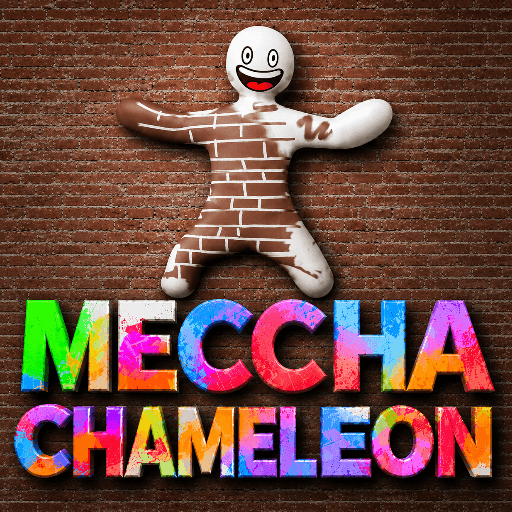
Private Steam account for Meccha Chameleon, a multiplayer hide-and-seek game where hiders paint their body to blend into the stage.
Steam Games Accounts
GTA V Steam account option for customers in Nepal.
Gift Card
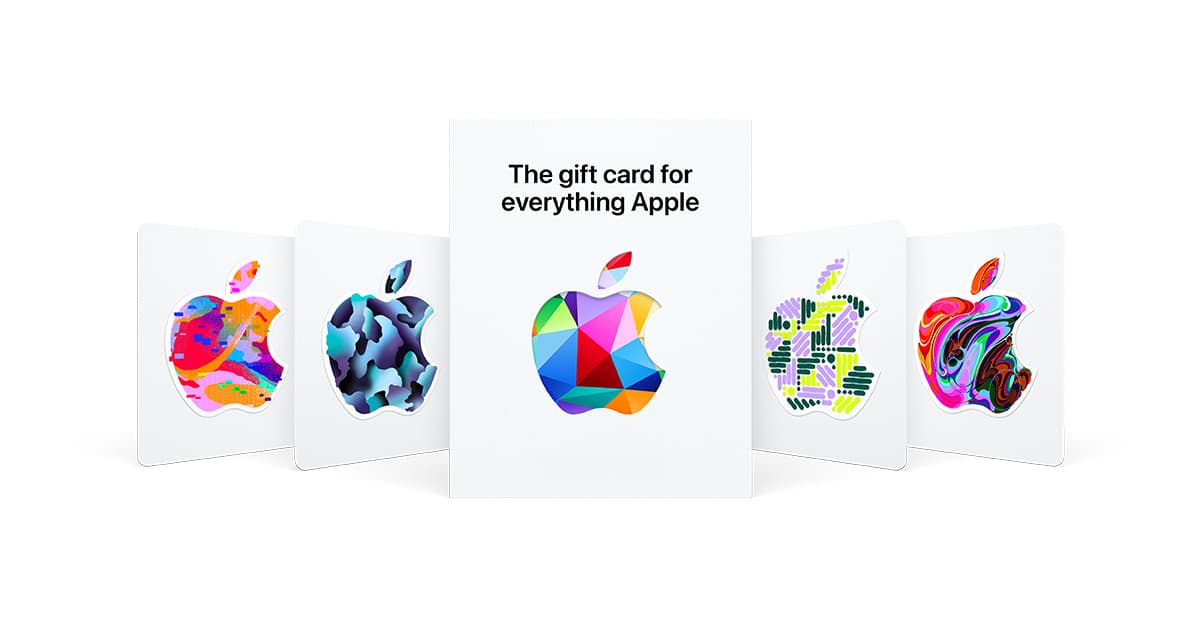
USA Apple Gift Cards in USD for App Store, iTunes, Apple Music, iCloud, subscriptions, games, apps, movies, and in-app purchases.

How It Works
Choose product
Fill account details
Pay with QR
Send order
Receive top-up
FAQ